

Every Container Hosting plan gives your website its own container with its own CPU, memory and disk limits. The plans differ in resources and in how many domains and databases you can add.
Starter ₹100, Growth ₹150, Pro ₹300 and Business ₹600 a month. 1 / 5 / 25 / 100 domains, 512 MB / 768 MB / 1.5 GB / 3 GB RAM, 10 / 30 / 100 / 200 GB NVMe disk and 5 / 10 / 50 / 100 MySQL databases.
The plans
| Starter | Growth | Pro | Business | |
|---|---|---|---|---|
| Price a month | ₹100 | ₹150 | ₹300 | ₹600 |
| vCPU | 1 | 1 | 2 | 4 |
| RAM | 512 MB | 768 MB | 1.5 GB | 3 GB |
| NVMe disk | 10 GB | 30 GB | 100 GB | 200 GB |
| Domains | 1 | 5 | 25 | 100 |
| MySQL databases | 5 | 10 | 50 | 100 |
Prices are StarDomain list prices on 8 November 2026. Longer billing periods show their discount at checkout. See the current prices on the Container Hosting page.
Included on every plan
- PHP 8.2, 8.3 and 8.4, with your own PHP settings and extensions.
- SFTP with a password or SSH keys, the browser Terminal, File manager, logs and cron jobs.
- One-click WordPress, Git deploy and a staging copy.
- Nightly backups (kept 7 days, plus one a week for 4 weeks), backups on demand and self-service restore.
- Free HTTPS on every domain.
- Unmetered bandwidth under fair use.
Not included
- Mailboxes. Your site sends email through an SMTP provider on port 587 or 465. See Sending Email from Your Website.
- SSH shell login and root access. Use the Terminal tab; for root, choose a VPS.
- Other one-click applications than WordPress.
How the limits work
- Domains are addresses for one website. Every website domain serves the same
public_html. Awwwor other redirect does not count. - Databases include the one WordPress creates.
- Disk holds your website files and logs, and the files of a staging copy if you make one.
- RAM and CPU belong to your container. Another customer's busy site cannot use them.
When you reach a limit, the panel tells you and suggests an upgrade. Nothing already on the server is removed.
Check your usage
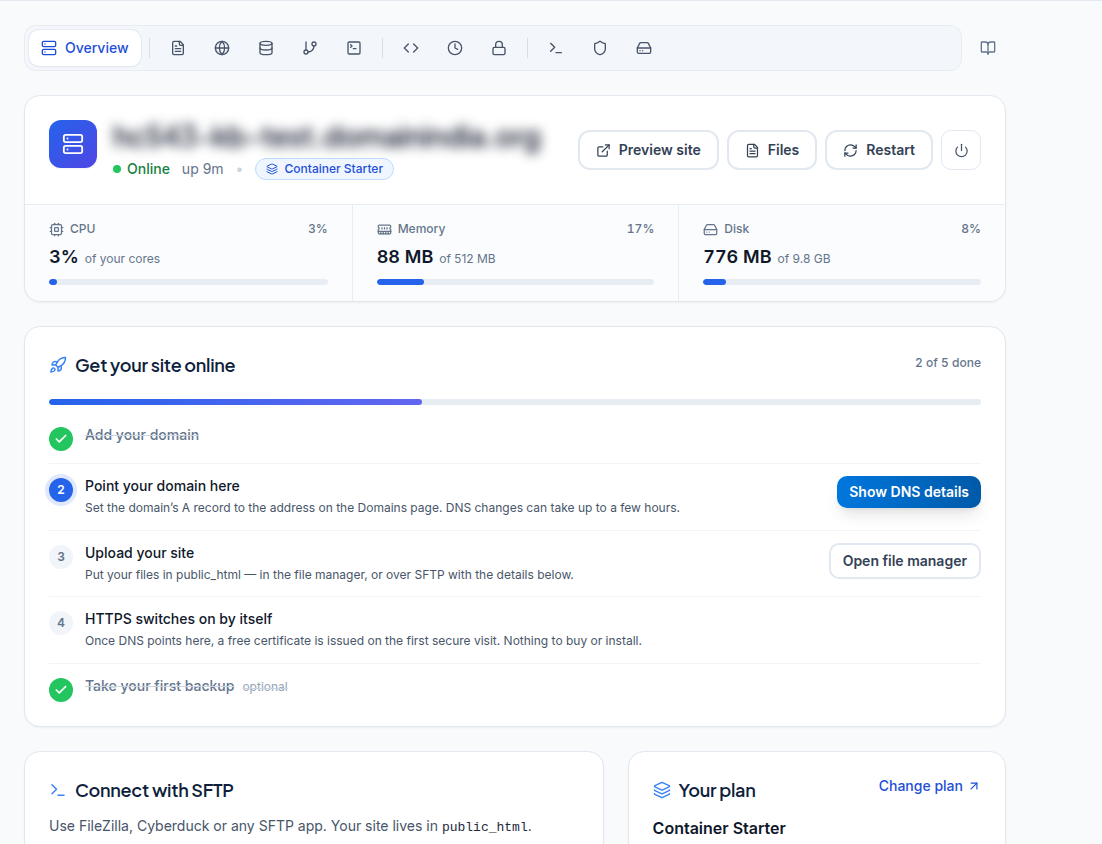
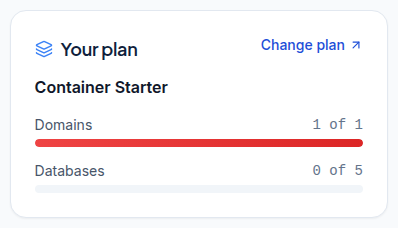
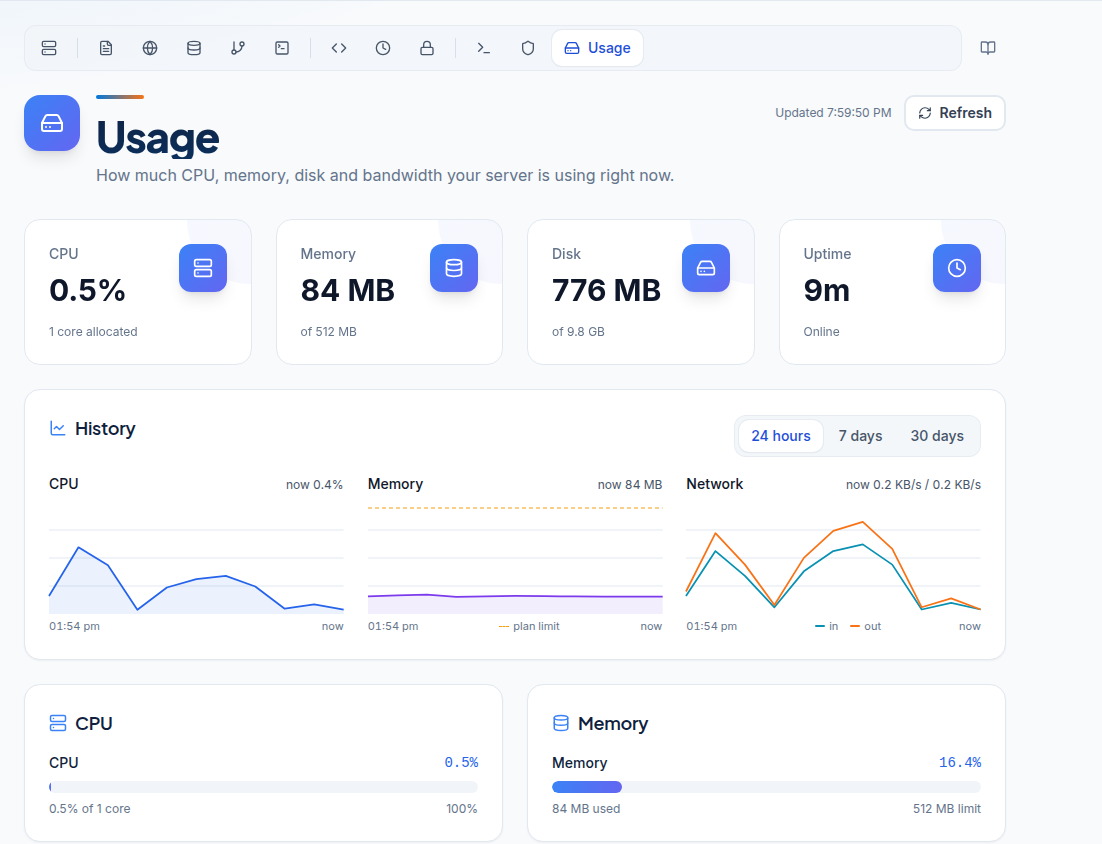
The Your plan card on the overview shows domains and databases used. The Usage tab shows CPU, memory, disk and bandwidth, with history for 24 hours, 7 days or 30 days.
Change plan
Click Change plan on the Your plan card to move to a bigger plan.
Frequently asked questions
Which plan do I need for one WordPress site?
Starter suits a small site. If the Usage tab often shows memory near the plan limit, move to Growth or Pro.
Does every domain get its own website?
No. All website domains on a container serve the same public_html. For separate websites, use separate containers.
Is bandwidth limited?
Bandwidth is unmetered under fair use. The Usage tab shows the counters for your information.
Are mailboxes included?
No. Container Hosting does not include mailboxes. Your site sends email through an SMTP provider.
Can I upgrade later?
Yes. Use Change plan on the Your plan card on the overview.